Budgeting
Take control of your spending with FinWise budgeting. Set monthly budgets for your categories and track your progress in real-time.
Creating Your First Budget
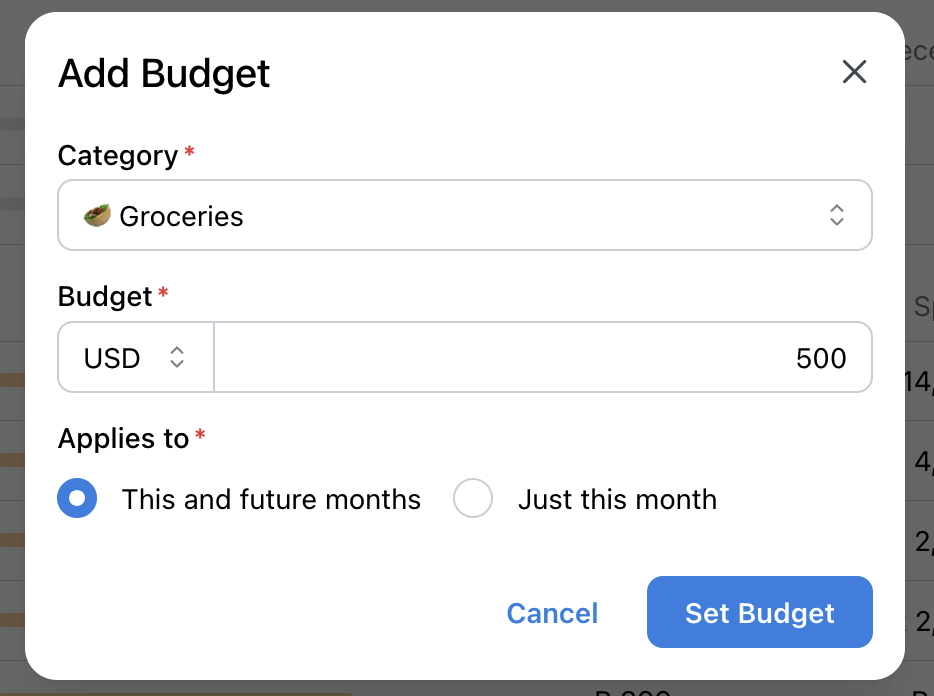
Go to the Budget page and click "Create Budget". Select the category you want to budget for and set your monthly limit.
For example, set a $500 budget for Groceries or $200 for Dining Out. FinWise will track your spending against this limit throughout the month.
Budget Progress & Alerts
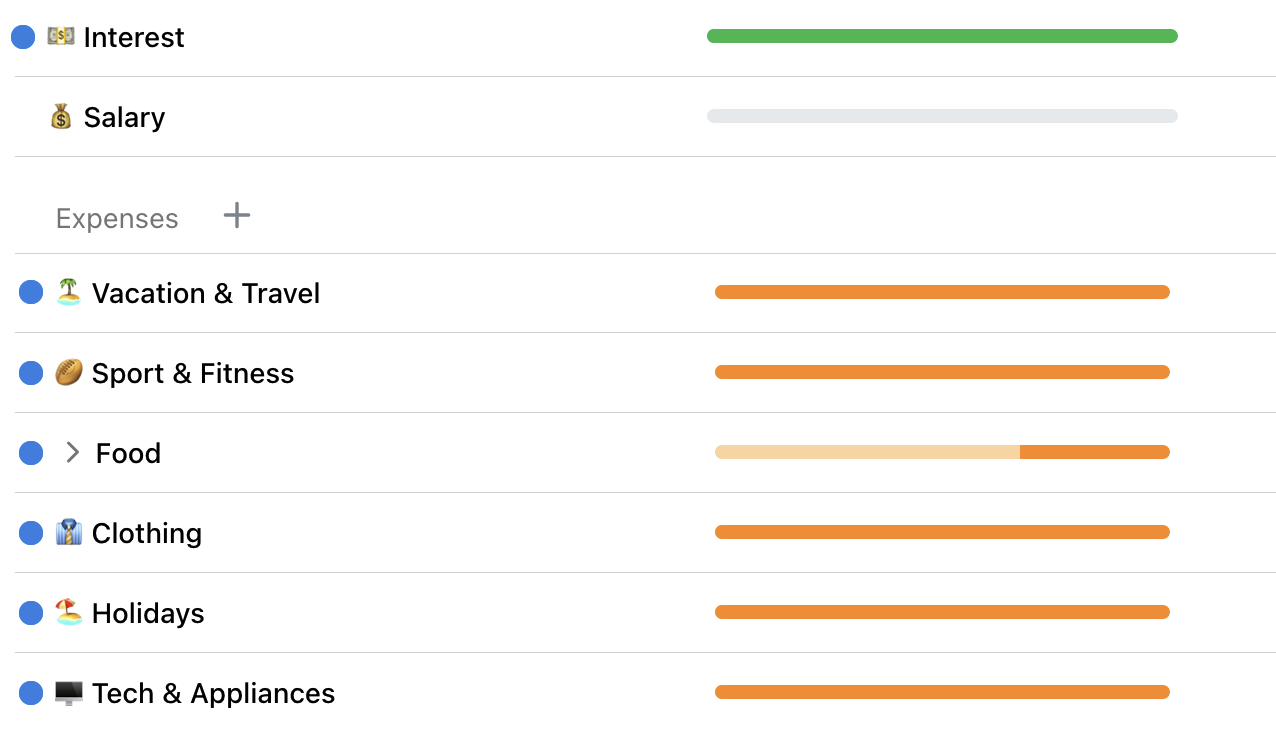
FinWise shows your budget progress with visual indicators to help you track your spending and income better.
Rollover Budgets
Enable rollover on any budget to carry unused amounts to the next month. For example, if you budget $500 for groceries but only spend $400, the extra $100 rolls over to next month.
This is great for irregular expenses or saving up for larger purchases.
Multi-Currency Budgeting
If you use multiple currencies, you can set budgets in any currency. FinWise will automatically convert transactions to the budget currency for accurate tracking.
Learn more about multi-currency support.