Accounts
Learn how to manage your financial accounts in FinWise. Whether you want to connect to your bank automatically or track accounts manually, this guide covers everything you need to know.
Account Types
FinWise supports various account types to give you a complete picture of your finances:
• Checking & Savings – Your everyday banking accounts
• Credit Cards – Track balances and spending
• Investments – Monitor your portfolio and investment accounts
• Loans – Track mortgages, student loans, and personal loans
• Assets – Cars, property, and other valuable assets
• Cash – Physical cash you have on hand
Adding a New Account
To add a new account, go to the Accounts page and click "New Account". You can either connect to your bank for automatic syncing or create a manual account.
For detailed instructions on connecting your bank, see Connecting Your Bank. For manual accounts, see Manual Accounts & Cash.
Want to organize your accounts into custom sections? See Account Groups.
Account Settings
Click on any account to access its settings. Here you can:
• Edit the account name, type, number, and icon
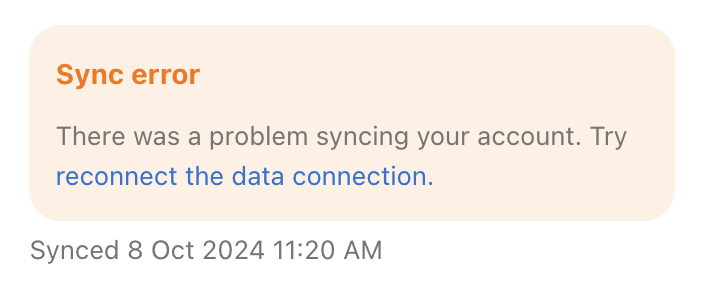
• View sync status for connected accounts
• Exclude transactions from budget and analysis
• Disable transactions from showing in FinWise
• Exclude the account from net worth calculations
• Invert the account balance (useful if assets show as liabilities or vice versa)
• Archive accounts you no longer use
• Permanently delete the account and all its transactions
Reconnecting Disconnected Accounts
If your bank connection fails, you will see a "Reconnect" button on the account. Click it to re-authenticate with your bank. This typically happens when you change your password or if your bank requires periodic re-authentication for security.