Merchants
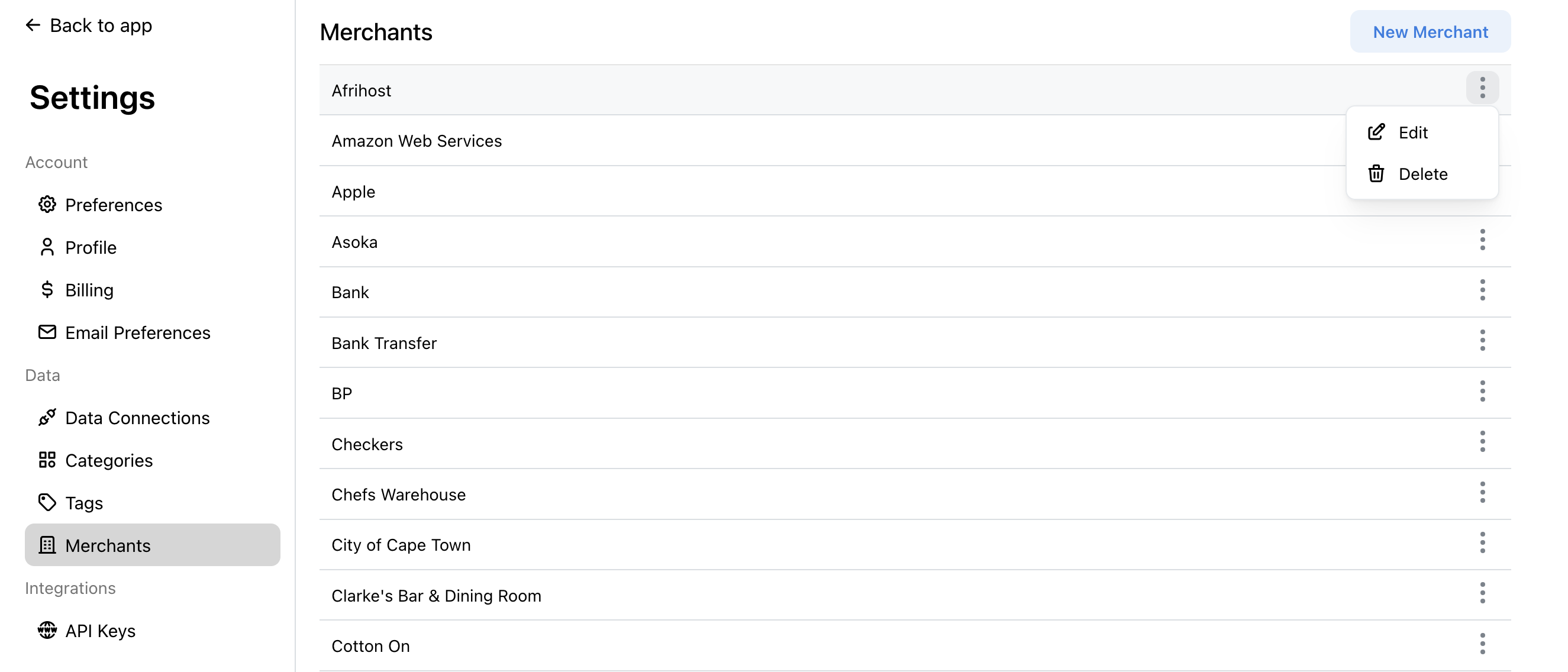
Merchants are the businesses and payees where your transactions occur. Manage your merchants by going to Settings > Merchants.
Managing Merchants
The Merchants settings page shows all your merchants. From here you can create, edit, and delete merchants.
How Merchants Work
When transactions sync, FinWise extracts and cleans merchant names from the raw transaction data.
The AI learns to recognize merchants and improve names over time.
Merchants help with:
• Better transaction descriptions
• Analysis by merchant
• Automatic categorization learning
Creating Merchants
Click "New Merchant" to create a merchant manually. This is useful if you want to pre-define merchants before transactions come in.
Editing & Deleting Merchants
Click on any merchant to edit its name. The new name will appear on all past and future transactions from that merchant.
To delete a merchant, click on it and select Delete.
Merchants in Analysis
Use the Breakdown view with "By Merchant" to see where you spend the most.
This can reveal spending patterns you might miss when only looking at categories.